Picture this: you’re cruising down the highway in your sleek BMW 3 Series, ready for a weekend getaway. You punch in the address, but suddenly, your built-in navigation system decides to take a vacation. It’s outdated, clunky, and frankly, a bit of a headache. Frustrating, right? This guide will steer you through everything you need to know about the BMW 3 Series E90 E91 E92 E93 GPS navigation systems. You’ll learn how they work, their features, and how to keep your system up-to-date. Get ready to gain insights on how to improve your in-car experience and get back on the right path with confidence, making your drive smoother, and more enjoyable, enhancing both your driving and travel. By the end, you’ll feel confident in making informed decisions about your car’s GPS navigation.
Key Takeaways
- Understand the different GPS navigation options available for the BMW 3 Series E90, E91, E92, and E93.
- Learn about the features and benefits of integrated navigation systems versus aftermarket solutions.
- Discover the process for updating maps and software to ensure accurate guidance.
- Explore troubleshooting tips for common GPS navigation issues.
- Gain insights into the differences between various navigation packages and their specific functionalities.
- Find out how to maximize your driving experience using the BMW 3 Series E90 E91 E92 E93 GPS navigation.
Overview of BMW 3 Series E90 E91 E92 E93 GPS Systems
The BMW 3 Series, particularly the E90, E91, E92, and E93 models, offers a range of options regarding GPS navigation. From factory-installed systems integrated seamlessly into the car’s dashboard to aftermarket solutions, owners have a lot of choices. The original systems were advanced for their time, including features like turn-by-turn directions, points of interest, and integration with other vehicle systems. However, with the rapid development of technology, these systems can feel a bit dated without updates. This section will explore the standard systems, the professional systems, and the options available, giving you a full perspective.
Standard GPS Navigation Features
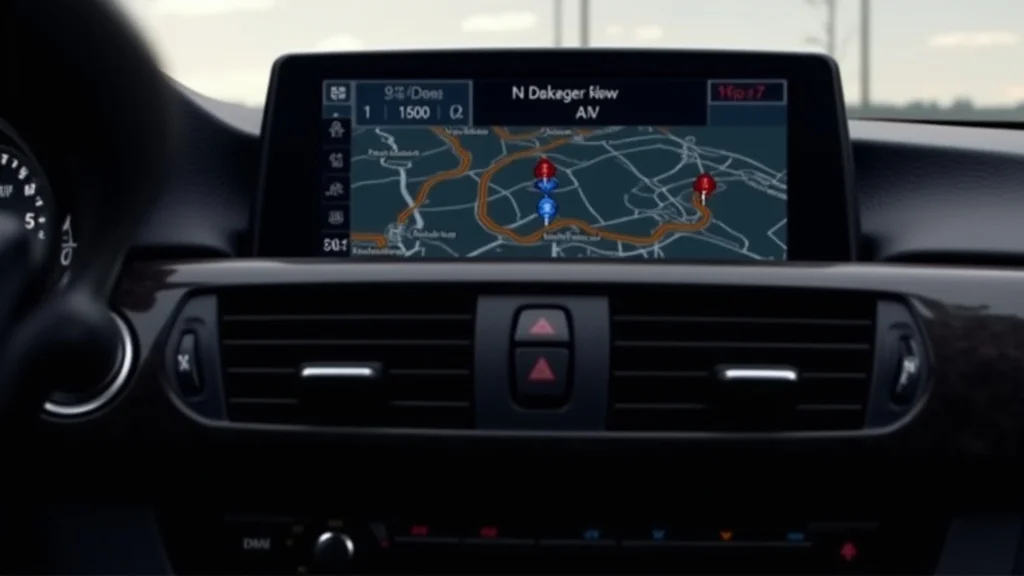
The standard navigation setup in the BMW 3 Series E90, E91, E92, and E93 models was a solid offering for its time. It provided essential functions that drivers expect, ensuring they would reach their destinations. These systems featured a central display screen, typically located in the center console. The interface, controlled by a rotary dial, allowed drivers to input destinations, search for locations, and view map information. While the graphic quality might not match what’s common today, it offered practical benefits, providing drivers with directions and relevant information at a glance. They typically included voice guidance, making it simple for the driver to keep their attention on the road.
- Turn-by-Turn Directions: The systems give spoken and visual guidance for each turn, helping drivers follow a route without looking at the map all the time.
- Points of Interest (POI): Information is provided regarding gas stations, restaurants, and other places, which is very helpful when traveling to unfamiliar areas.
- Integration with Vehicle Systems: The navigation system is often connected to the car’s other systems, so it can display information on the instrument panel.
Professional GPS Navigation Systems
Upgrading to the “Professional” or “Navigation System Professional” package in your BMW 3 Series E90, E91, E92, or E93 would bring some enhancements. A larger display screen provides a clearer view of maps and instructions. The professional systems often have more detailed maps, which helps when driving on complex roads or in urban areas. Enhanced graphics add visual appeal. The system frequently uses a faster processor and greater storage, allowing faster route calculation and better responsiveness. These enhancements offer a smoother and more refined experience. These systems would have improved connectivity, providing access to real-time traffic updates and other useful information.
- Larger Display Screen: The screen is easier to read, which helps you see the map and directions clearly.
- More Detailed Maps: The maps include more information, like more points of interest, or POIs.
- Enhanced Graphics: The navigation includes visuals that are more appealing and easier to understand.
- Faster Processing: The system responds quicker to the driver’s commands, making the experience more responsive.
Aftermarket GPS Navigation Options
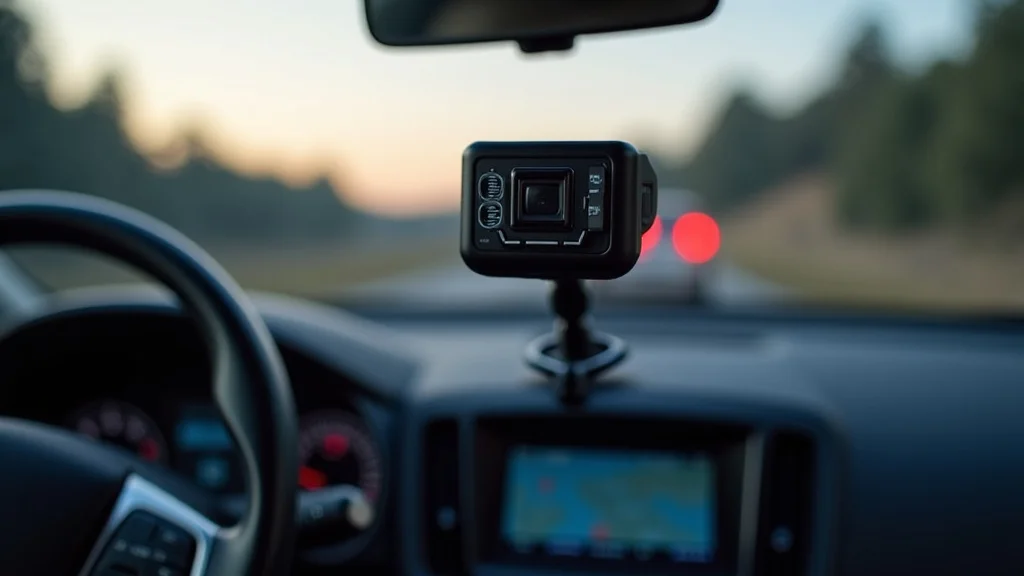
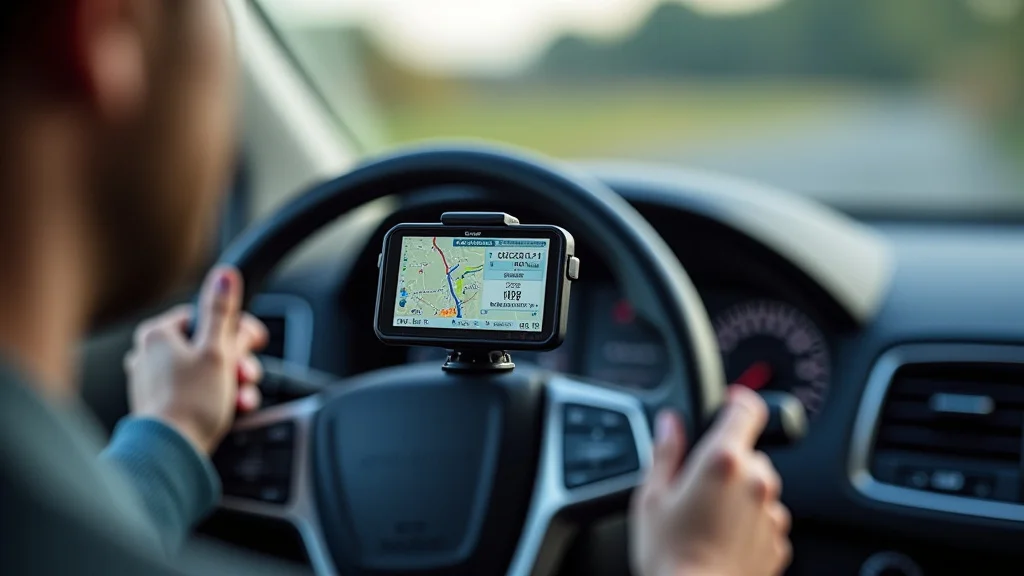
If your E90, E91, E92, or E93 BMW 3 Series didn’t come with factory navigation, or if you want to update it, aftermarket GPS navigation options provide solutions. These options include everything from basic portable GPS units to more advanced systems with updated features. Some aftermarket systems fit into the car’s existing dashboard, while others attach to the windshield. These systems vary in cost and features, meaning there is a product available to satisfy every driver’s preferences. When considering aftermarket systems, it’s important to think about the ease of installation, compatibility, and the features you desire.
- Portable GPS Units: These are easy to move from car to car, providing basic navigation features at a low price.
- Integrated Aftermarket Systems: These are designed to replace the car’s existing radio or dashboard components, giving a more integrated look and feel.
- Smartphone Integration: Some systems offer compatibility with smartphones. You will be able to use apps like Apple CarPlay or Android Auto to use navigation apps.
Updating Your BMW 3 Series E90 E91 E92 E93 GPS Navigation
Keeping your BMW 3 Series E90 E91 E92 E93 GPS navigation system up-to-date is key for the best performance. Outdated maps can provide incorrect routes or miss new roads. Software updates will improve the system’s performance, adding new features. The process of keeping the navigation updated varies depending on the system and model year. You may be required to download updates from BMW’s website, or get them from a dealership. In this section, we’ll guide you through the update steps, the importance of map updates, and discuss the best ways to keep the system working at its best.
Map Update Methods
Updating the maps on your BMW 3 Series E90 E91 E92 E93 GPS navigation systems can be done in various ways. You’ll typically download the newest maps from BMW, and install them on your car’s navigation system. This can be done using a USB drive or other storage device. The exact method changes depending on the system and the model year of your car. It’s always important to follow the directions provided by BMW to make sure the update is completed without issues. Ensure you have a reliable power source during updates to avoid issues during the process. Ensure you have the right version of software to match the maps, which enhances accuracy and performance.
- Downloading Updates: The first step is to visit the BMW website and download the latest map data for your car model. You will typically need your vehicle’s VIN to get the right files.
- USB Installation: Once the files are downloaded, you transfer them onto a USB drive. You can then plug the USB drive into your car’s USB port, and follow the on-screen prompts to install the new maps.
- Dealership Updates: If you’re not comfortable with the DIY approach, your local BMW dealership can provide map updates. The technicians will take care of the entire process for you.
Software Updates and Their Importance
Besides map updates, regular software updates for your BMW 3 Series E90 E91 E92 E93 GPS navigation system are crucial. These updates include enhancements, security updates, and performance improvements that will impact the way your system operates. New software may fix bugs, improve the system’s speed, and even introduce new features. Software updates are often available from the BMW website or the dealer, and should be installed frequently. Keeping your software current guarantees your navigation system works as efficiently as possible, while also providing you with the best features.
- Bug Fixes: Software updates often address bugs and glitches, ensuring the system functions without interruption.
- Performance Enhancements: Updates can improve the system’s speed and responsiveness, making it more user-friendly.
- New Features: BMW might introduce new features and upgrades through software updates, extending the lifespan and utility of the system.
- Security Patches: Updates may include security patches, protecting your navigation system and the car’s network from threats.
Troubleshooting GPS Navigation Problems
Even with updates, your BMW 3 Series E90 E91 E92 E93 GPS navigation system can experience issues. Common problems include lost signals, incorrect positioning, or system crashes. Troubleshooting these issues starts with basic checks. Ensure the GPS antenna is properly connected, and the system software is current. If problems persist, you may need to reset the system to its original settings. When all else fails, a professional inspection could reveal if there are any major system failures. If you’re prepared to deal with these basic issues, you can often fix the problems yourself, and continue using the system.
- Signal Issues: If the GPS signal is weak, check for any obstructions around the antenna, and make sure that the antenna is correctly positioned.
- System Errors: When the system freezes or crashes, you should restart the system, or reset it to the default settings.
- Map Errors: If the maps seem incorrect, ensure that the maps are current and properly installed.
- Antenna Problems: Check the GPS antenna and its wiring.
Maximizing Your Experience With BMW 3 Series GPS
Using the GPS navigation in your BMW 3 Series E90, E91, E92, or E93 is not only about getting from point A to point B. It’s about enhancing your driving experience and making your trips easier. From using the navigation system to get traffic updates to integrating it with your car’s features, there are multiple ways to maximize the benefits. Discover the hidden functions of your navigation system and use them to make your journeys more efficient. This will give you control over your travels.
Using Advanced Features
The BMW 3 Series E90 E91 E92 E93 GPS navigation systems included options to enhance your driving experience. The systems gave traffic updates and let drivers avoid delays. Some systems integrate with the car’s other features, such as the heads-up display, to display directions and other information in your field of vision. When you explore all the available features, you can make the most of your car’s navigation capabilities. By learning these advanced options, you will be able to make your trips safer and more enjoyable.
- Traffic Updates: These real-time updates help you steer clear of traffic jams, and plan routes with fewer delays.
- Heads-Up Display Integration: When the navigation system is connected to the heads-up display, you can see directions and other data directly on your windshield, without taking your eyes off the road.
- Voice Control: Many systems include voice command capabilities, enabling you to enter destinations and navigate functions using your voice.
- POI Search: The navigation system makes it easy to find gas stations, restaurants, and other places, which is very helpful when traveling.
Tips for Efficient Route Planning
Smart route planning is key to getting the best performance from your BMW 3 Series E90 E91 E92 E93 GPS navigation system. Before setting off, it’s a good idea to put your destination into the navigation system, allowing it to calculate the best route. You can also customize your navigation settings based on your driving preferences. Use the system’s ability to plan for alternative routes in case of traffic issues, and to use shortcuts if the situation changes. Thoughtful planning saves time and guarantees that your driving experience is stress-free.
- Plan Ahead: Plan your route before leaving and check for possible delays.
- Customize Settings: Change settings for route options, such as avoiding tolls or highways, to suit your personal preferences.
- Use Real-Time Traffic Data: The system often uses real-time traffic data, so you can plan routes that avoid congestion.
- Explore Alternative Routes: If your route has a delay, the system provides alternative routes to save time.
Maintenance and Best Practices
Proper care of your BMW 3 Series E90 E91 E92 E93 GPS navigation system guarantees its longevity and accurate operation. Keep the system’s software and maps current by checking for updates. You should also ensure that the GPS antenna is correctly positioned and not blocked by anything. If you do encounter issues, start with basic troubleshooting. By using these practices, you can maximize the life and performance of your system. This will guarantee that your navigation system always provides dependable guidance. Doing these things can make your driving a lot more enjoyable.
- Regular Updates: Regularly update your maps and software to maintain accurate navigation.
- Antenna Care: Ensure the GPS antenna is correctly positioned and free from obstructions.
- System Checks: If you notice any problems, check for error messages and review the system’s settings.
- Professional Servicing: If you cannot find the issue, have your system checked by a professional.
Common Myths Debunked
Myth 1: Map Updates Are Unnecessary
Some drivers think map updates are unnecessary, believing the maps don’t change often enough to warrant regular updates. However, roads are built, changed, and closed all the time. Without updated maps, you could be following outdated routes, which adds to travel time and frustrates your driving experience. By updating your maps regularly, you’re guaranteeing you’re using the most accurate information available, improving your drive.
Myth 2: Aftermarket Systems Are Always Better
A frequent myth is that aftermarket navigation systems are always better than the original factory-installed systems. While aftermarket options may have more recent features, they might not integrate as well with the car’s existing systems. Factory-installed systems are built to integrate seamlessly with the car’s dashboard and controls, which ensures a more coordinated driving experience. Both types have advantages, so the best decision is based on your specific requirements and preferences.
Myth 3: GPS Systems Use a Lot of Data
Many drivers are concerned that using GPS navigation will use up a lot of data, particularly with features like real-time traffic updates. Modern GPS systems use minimal data. The map data is often stored on the device. Real-time traffic updates and other connected features will use data, but the amount is usually small. There is no need to worry about exhausting your data plan, and you can enjoy the many benefits of the navigation system.
Myth 4: Upgrading Navigation is Difficult
Some people believe that updating or changing the navigation system in a BMW 3 Series E90 E91 E92 E93 GPS navigation is a difficult task requiring professional assistance. While the process may seem complicated, map updates are done by connecting a USB drive or other storage device. Even aftermarket installations are often manageable for people with some technical experience. By following the instructions, you can maintain your navigation system without paying expensive professional fees. There are tutorials and resources, which makes updates easier.
Frequently Asked Questions
Question: How often should I update the maps in my BMW 3 Series E90 E91 E92 E93 GPS navigation?
Answer: It’s recommended to update your maps at least once a year, or even more frequently, depending on how often you drive and if new roads are built in your area.
Question: Can I use my smartphone’s navigation instead of the car’s built-in system?
Answer: Yes, many BMW 3 Series E90, E91, E92, and E93 models offer smartphone integration via Bluetooth, allowing you to use navigation apps like Google Maps or Apple Maps.
Question: What should I do if my GPS signal is weak or lost?
Answer: Check for obstructions around the antenna, ensure the antenna is correctly positioned, and make sure the system software is up-to-date. If the issue continues, a check by a professional is required.
Question: Are there any costs associated with updating the navigation system?
Answer: Map updates and software updates are often offered at a cost. The best way is to check the BMW website or your dealership for the most recent pricing.
Question: Can I install an aftermarket navigation system myself?
Answer: Yes, depending on your mechanical skill. Some aftermarket systems are designed for easy installation. However, complex installations may be best left to a professional.
Final Thoughts
The BMW 3 Series E90 E91 E92 E93 GPS navigation systems, whether factory-installed or aftermarket, are a useful part of the driving experience. This guide has given you a full review of the types of navigation systems, how to update them, and how to troubleshoot common issues. From the standard navigation features to the professional packages, and even the choices offered by aftermarket options, owners have multiple options to improve the in-car experience. You can enhance your driving experience by keeping your maps and software updated. By following the tips and knowledge given, you can confidently navigate, making every trip a smoother and more enjoyable experience. Drive with confidence and use the navigation to your advantage.